
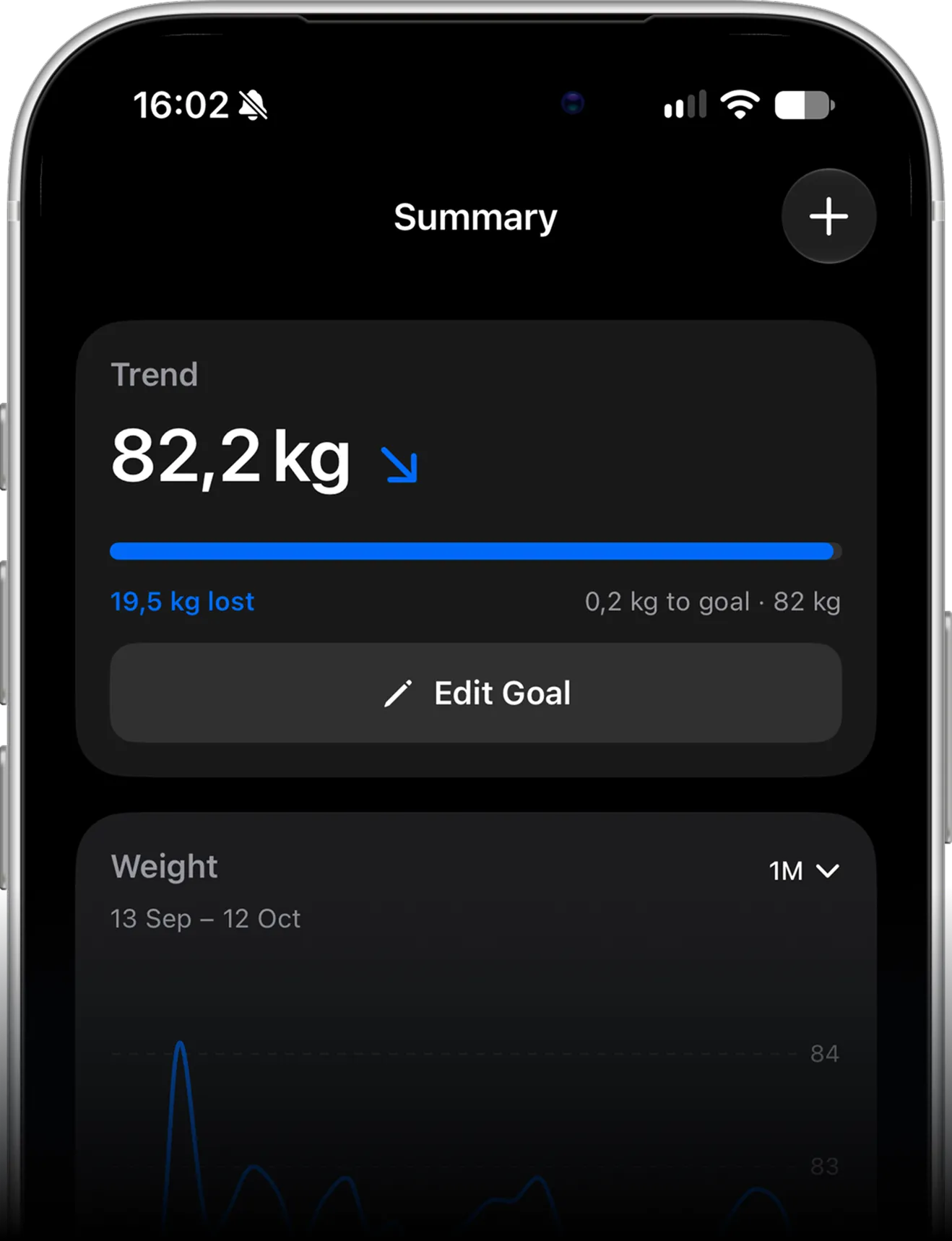

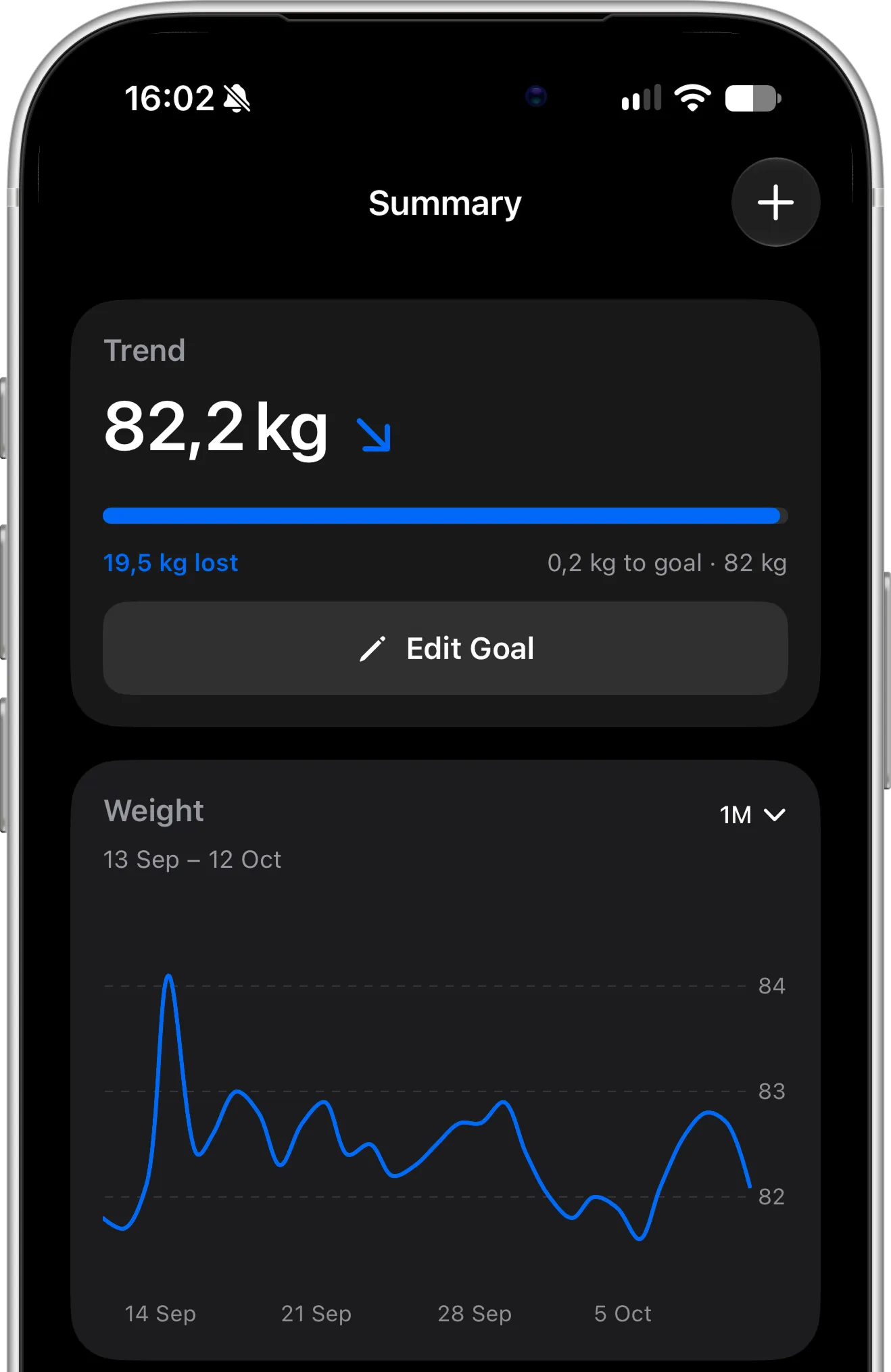
Stay on track every day
Log your weight in seconds, keep your daily check-in streak going, and see exactly how far you are from your goal. Small daily weigh-ins turn into a clear picture of your progress.
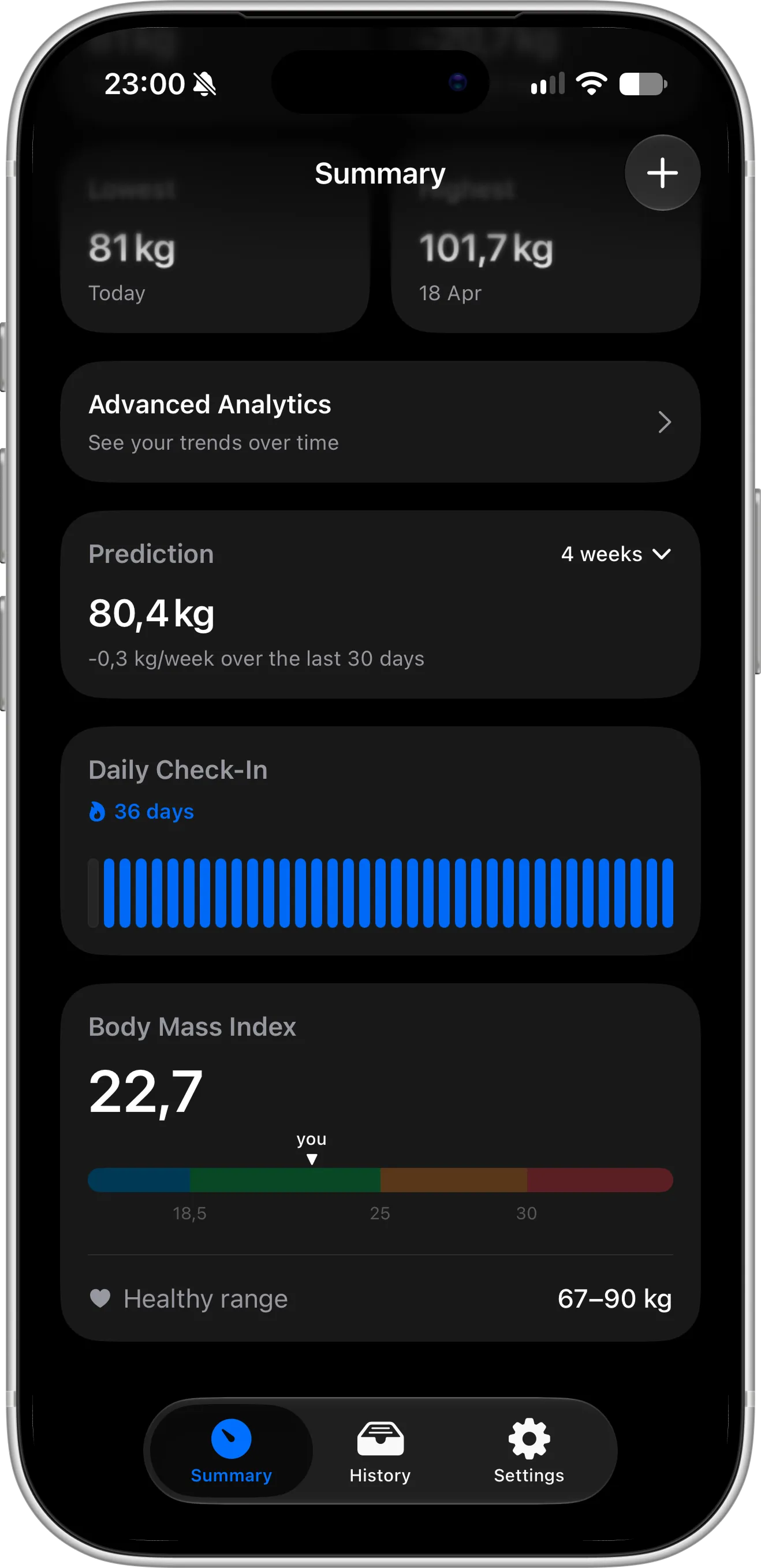
Check-in streak & BMI. Build a daily weigh-in streak and see your BMI with your healthy weight range.
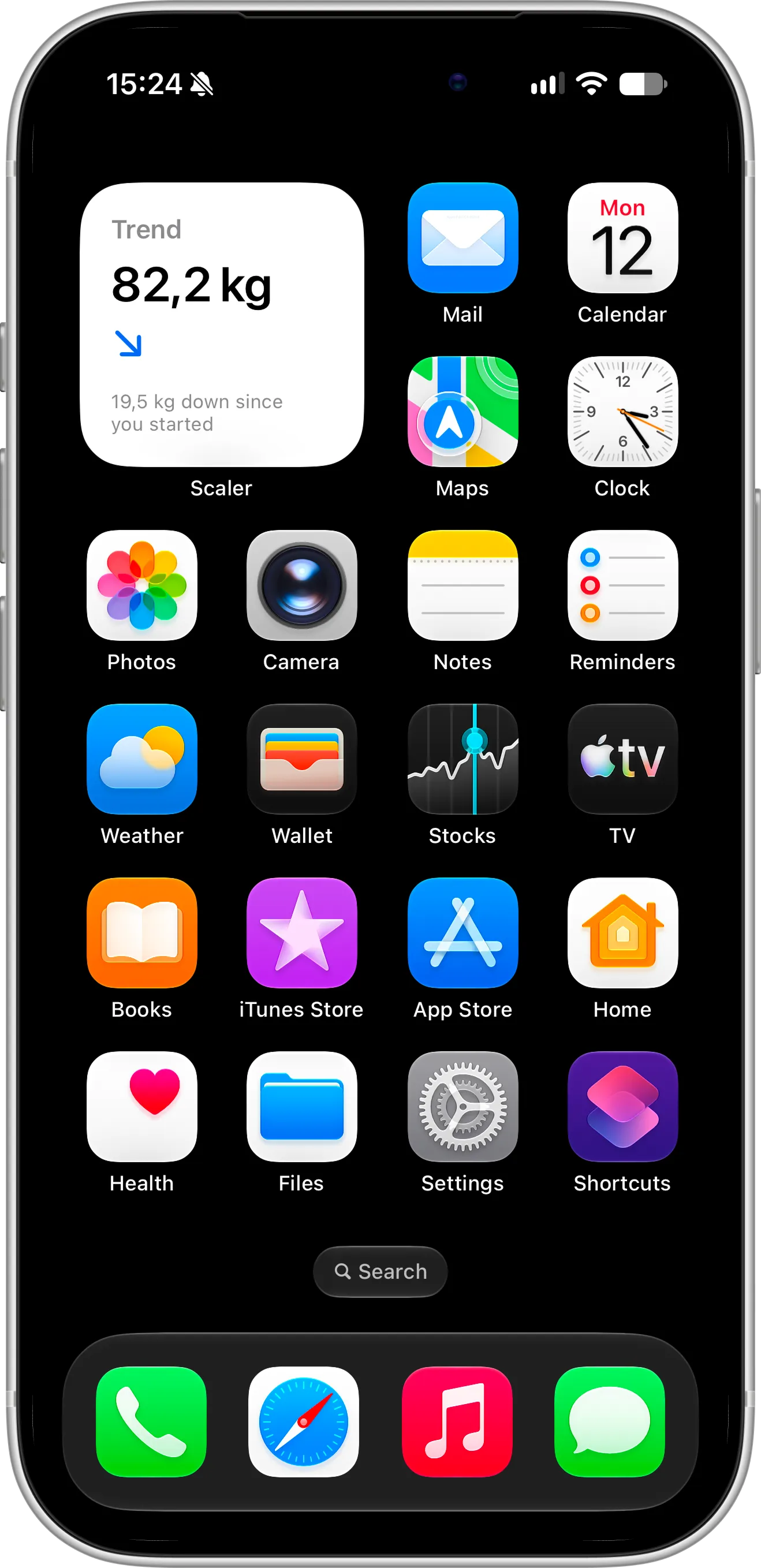
Home Screen widgets. See your weight trend and how much you have lost since you started, right on your Home Screen.
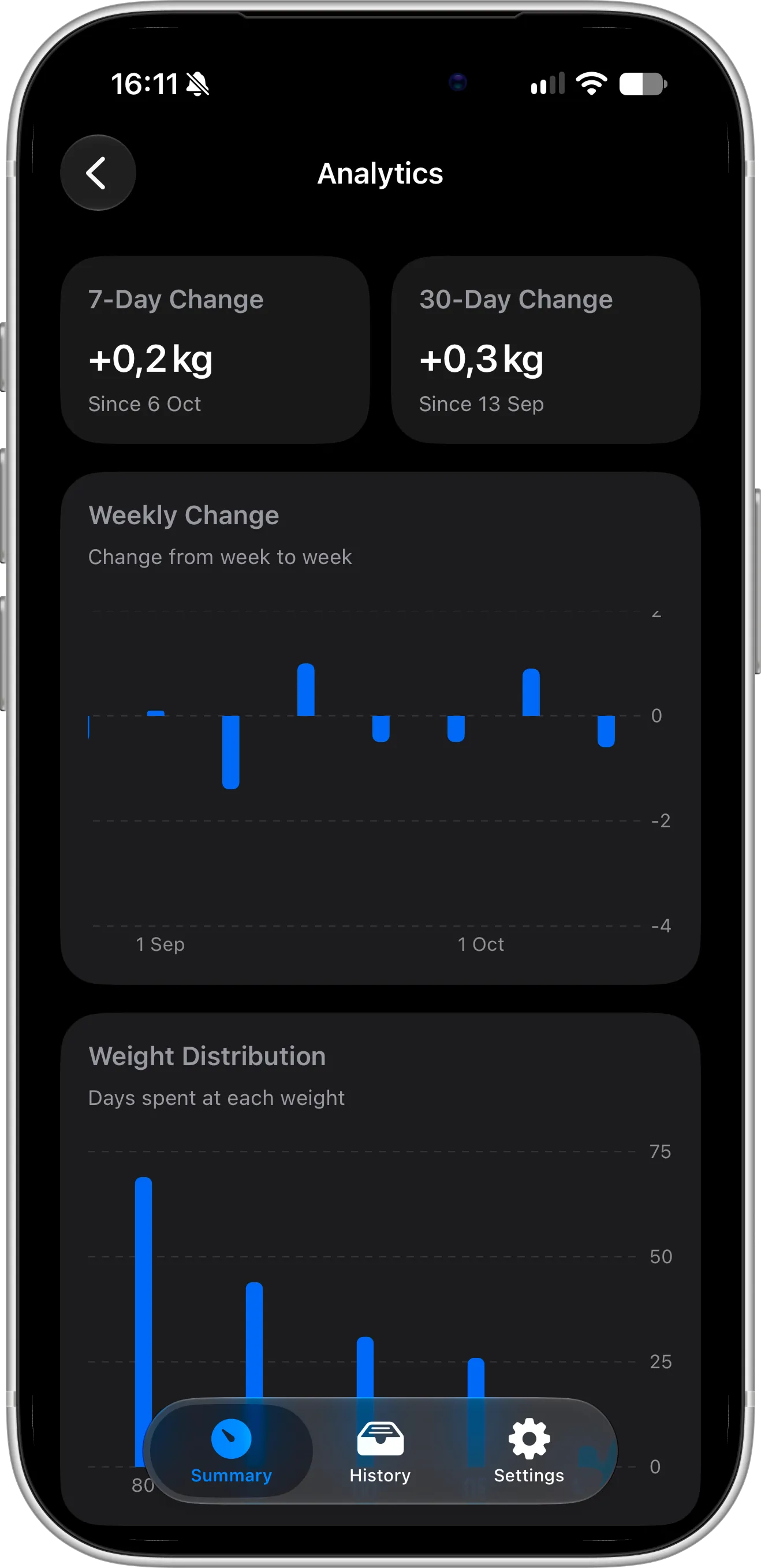
Advanced analytics. Track 7-day and 30-day changes, week-to-week changes, and how many days you spent at each weight with Pro.
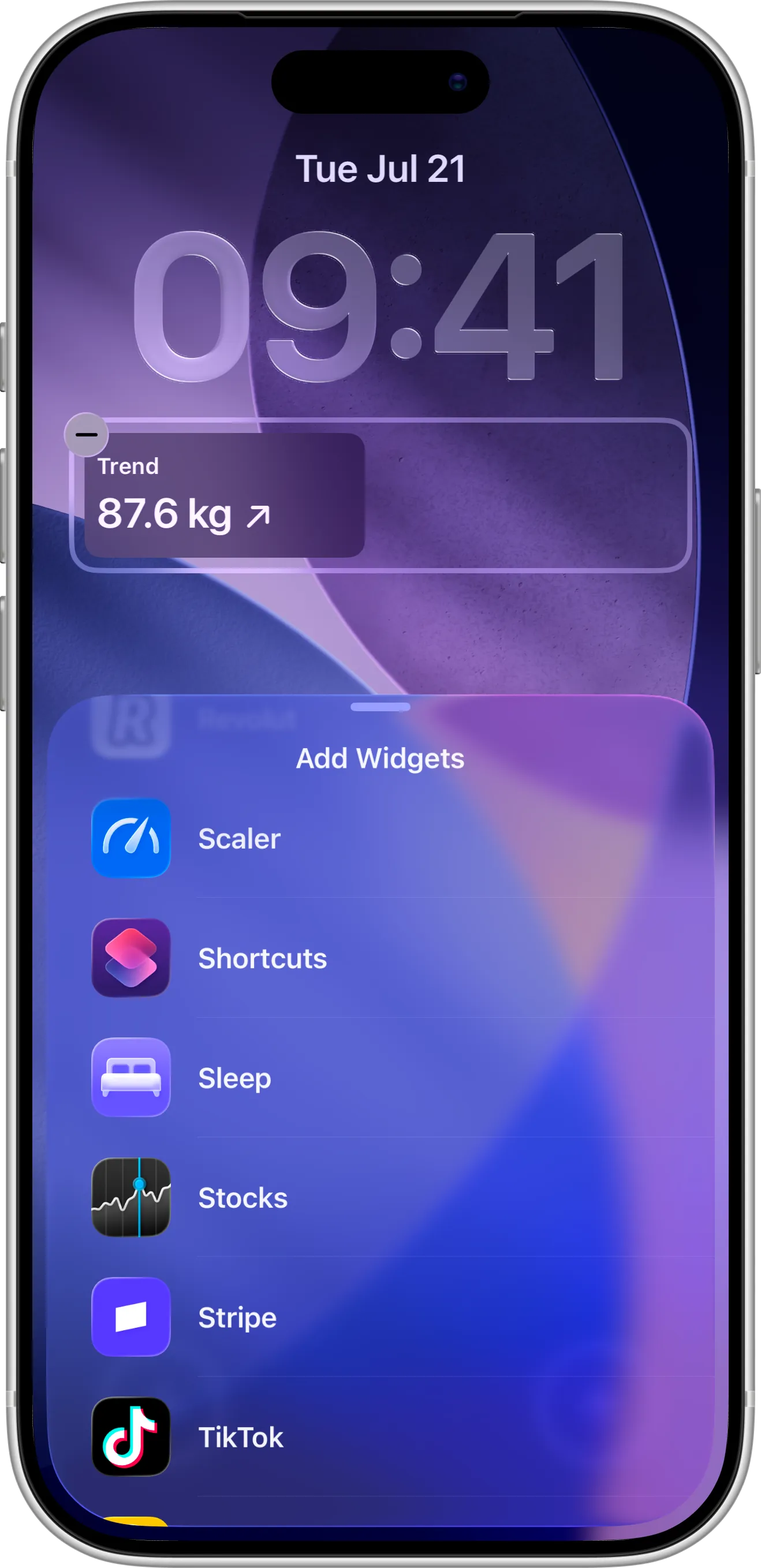
Lock Screen widgets. Keep your weight trend visible on your Lock Screen, without opening the app.
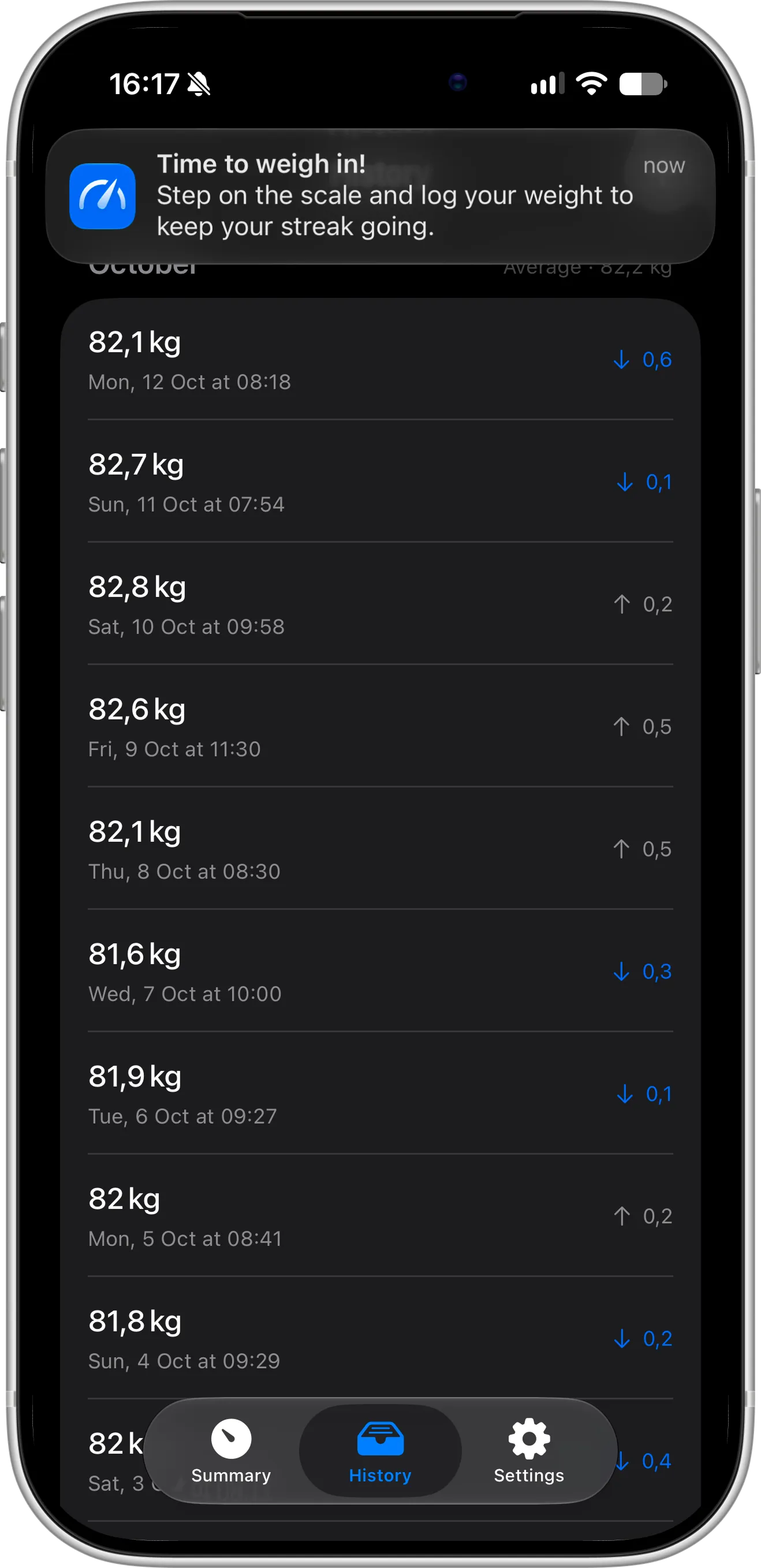
Weigh-in reminders. Get a gentle reminder to step on the scale and keep your daily check-in streak going.
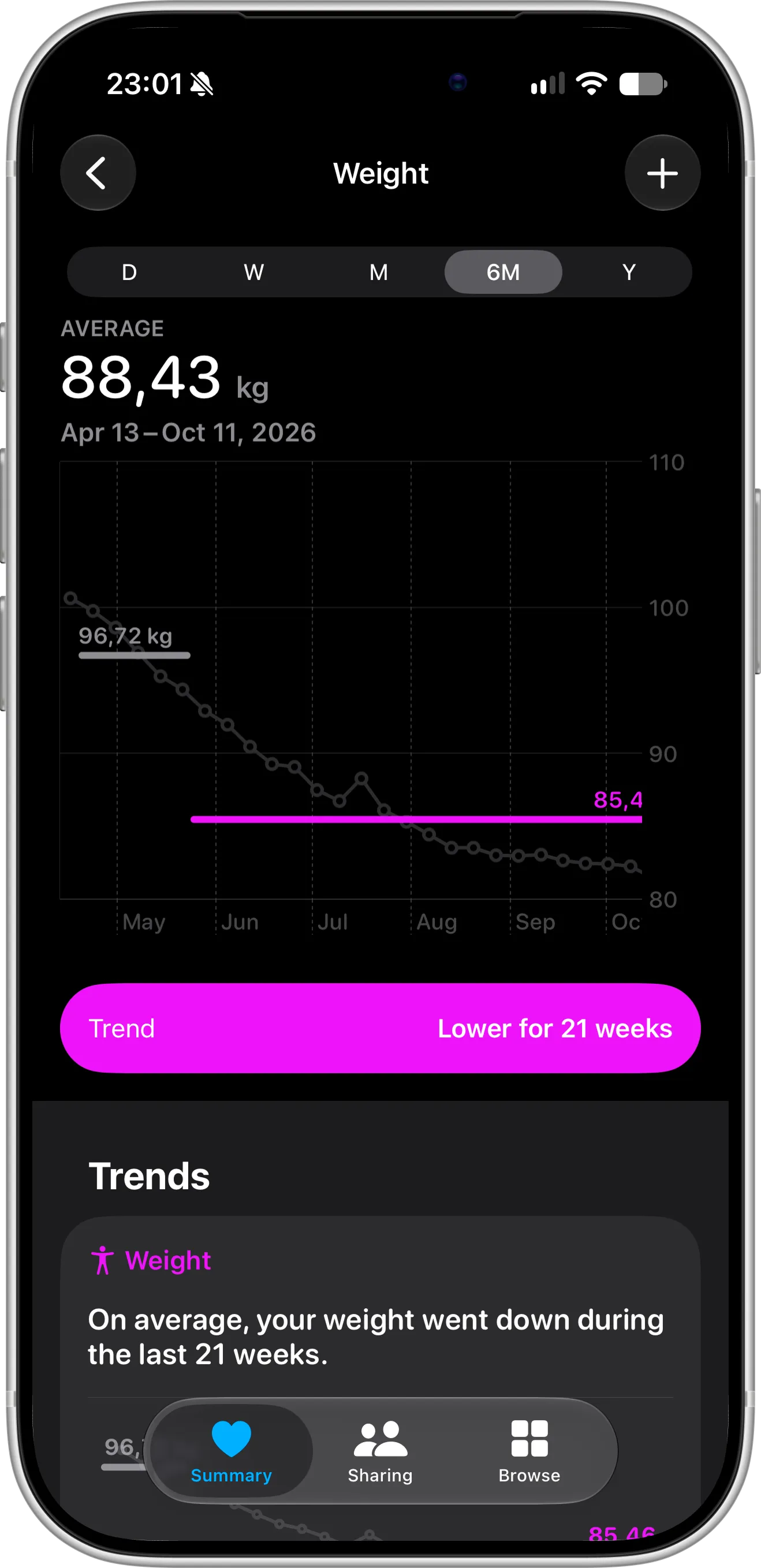
Apple Health sync. Turn on Apple Health sync in Settings and keep all your weight data in one place. Export your data anytime.
Make weight tracking effortless
Thoughtful details keep your weight data private, safe, and easy to manage, so logging your weight every day feels effortless.
Privacy first
Your weight entries stay on your device and in your private iCloud. No ads, no data selling, only anonymized analytics.
No account needed
Start tracking right away. No sign-up, no login, and no personal details are required to use the app, ever.
Sync between devices
Your weight entries sync across your devices with iCloud, so your progress is always up to date wherever you are.
Automatic backup
Your weight history is backed up with iCloud automatically, so your data is always protected and easy to restore.
Export data
Export your history to CSV for Excel or Google Sheets, or as JSON, for free. With Pro, share a printable PDF report with your doctor.
Edit your history
Made a typo or logged the same weight twice? Edit or delete any weigh-in from your weight history in a few taps.
Units & height
Track your weight in kilograms, pounds, or stones, and set your height for an accurate BMI. Change both in Settings.
Goal weight
Set a goal to lose or gain weight and always see how far you have come and how much is left to reach your target.
Dark theme
Switch between light and dark themes to match your preference and keep weight tracking easy on your eyes.
What users say
Real feedback from people who use Scaler to track their weight, follow their progress, and reach their goals.
- "Lost 15kg in 100 days. I use it every single morning."
- "This app helped me gain 3 additional kg of muscle"
- "I use it every morning to maintain my current weight and monitor my BMI"
- "Nicely designed and feels really native. I like the Apple Health integration"
What’s new
Monthly report notifications are now available, so you know when last month's report is ready. On the 1st of each month, Scaler lets you know your report is waiting, and a tap opens it right away (see how to use monthly and annual reports). Tapping a weigh-in reminder now takes you straight to logging your weight, so a new entry is just a few seconds away. This update also brings improved stability and performance.
See all updatesHow to Export a PDF Weight Report: Share Your Progress with Your Doctor
Learn how to turn your weigh-ins into a printable PDF report for your doctor. Export your whole history, a single year or one month, with a summary, a trend chart and a log of every weigh-in.
Read all articlesStart tracking your weight today
Log your first weigh-in in seconds, set a goal to lose or gain weight, and watch your progress add up. Free on the App Store, with no account needed.
